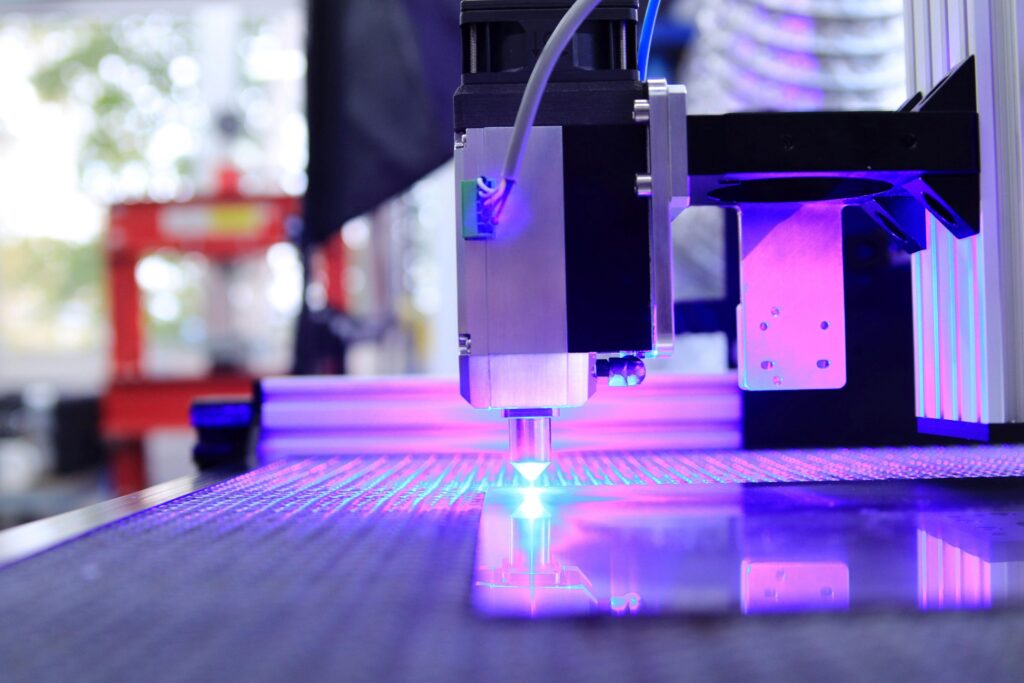
You’ve probably seen them, incredibly intricate wooden maps, custom acrylic signs with a company’s logo, or precisely fitted gears that look like they were made by a machine from the future. And the truth is, they were. But here’s the secret: that machine, a laser cutter, is far more accessible and understandable than you might think.
It feels a bit like having a light saber tied to a robot arm, one that you can control with your computer. It’s a tool of immense power and stunning precision, and it’s changing how makers, designers, and small businesses create everything.
If you’ve been curious about how it all works, you’ve come to the right place. Consider this your friendly, no-jargon guide. We’re going to walk through the entire process, from a blank screen to a finished, physical object you can hold in your hands.
Let’s strip away the mystery. At its simplest, a laser cutter is a computerized tool that uses a highly focused beam of light to cut or engrave materials.
Think about using a magnifying glass to focus sunlight onto a leaf and burn a tiny spot. A laser cutter is the high-tech, incredibly precise version of that. It can guide that concentrated point of heat with unbelievable accuracy, following a digital design to slice through material or mark its surface.
It’s a form of digital fabrication, and it’s brilliant for a few key reasons:
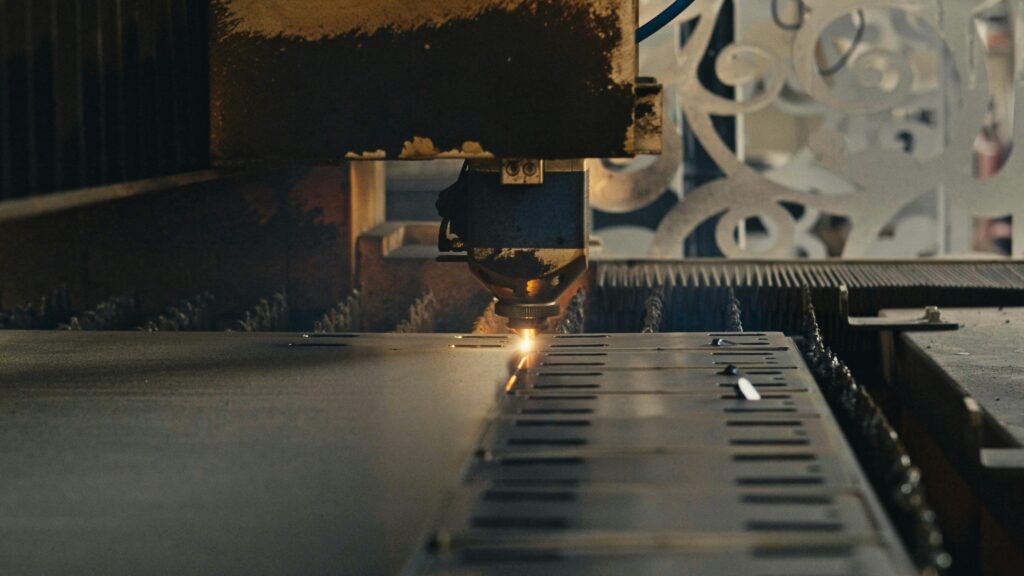
The process feels almost like magic, but it’s a very logical series of steps. Understanding this flow is the key to unlocking the laser cutter’s potential.
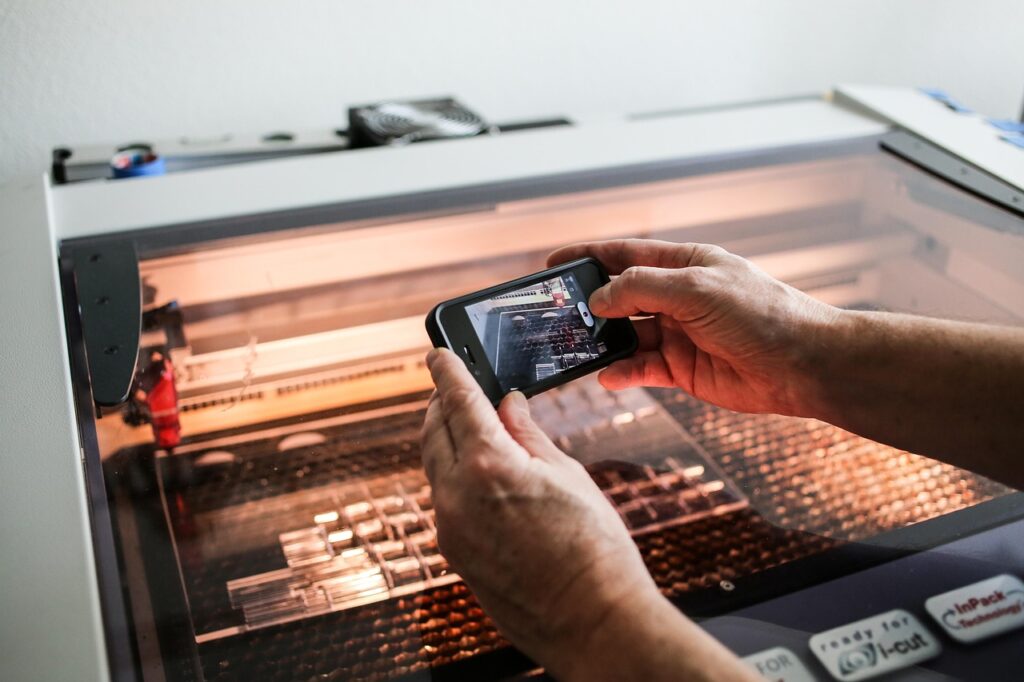
This is the most important concept to grasp. Laser cutters don’t understand JPEGs or PNGs the way we do. They need vector files.
The most common and universal vector file format for laser cutting is the .DXF (Drawing Exchange Format) or .SVG (Scalable Vector Graphics). Software like Adobe Illustrator, CorelDRAW, or the free, browser-based Inkscape are your go-to tools for creating these files.
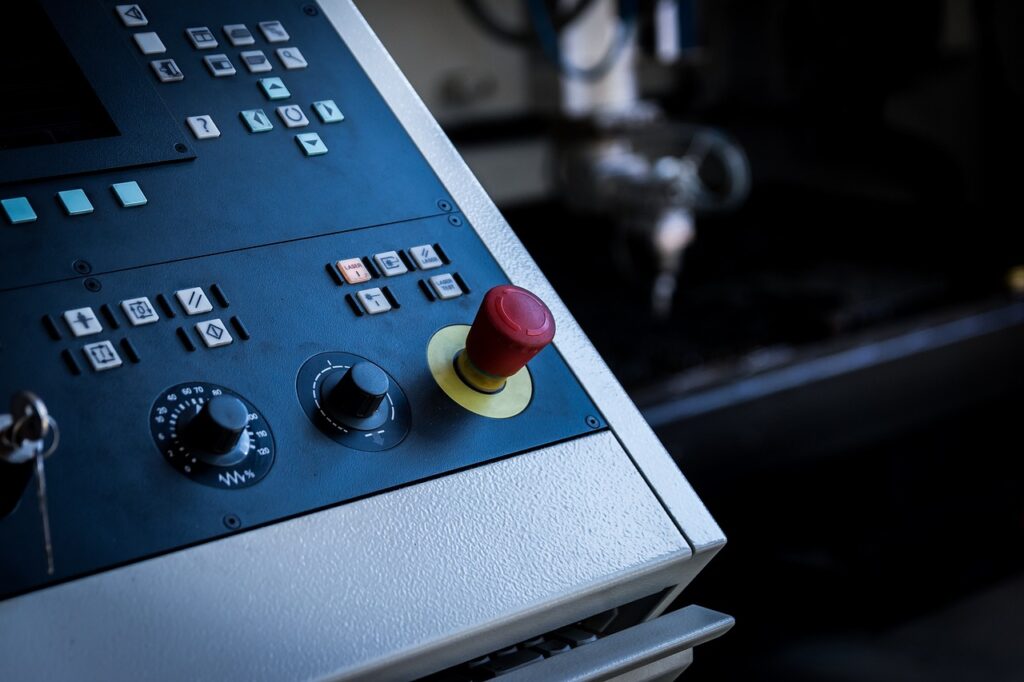
Once your design is ready, you need to send it to the laser cutter. This is done through a control software like LightBurn or the proprietary software that comes with specific brands like GlowForge or Universal.
This software is your mission control. Here, you:
You press go, and the show begins. The machine hums to life. You’ll see a bright flash of light (from the laser tube) and then, almost immediately, you might see smoke or flame as the laser hits the material. Don’t be alarmed, this is normal! That’s why the machine has a powerful exhaust fan and an air assist (a stream of compressed air that blows into the cut, keeping the lens clean and helping the material burn cleaner).
The laser head glides smoothly along its rails, tracing your design with pinpoint accuracy. It’s mesmerizing to watch. For an engraving, it will methodically scan back and forth, like a printer, but with light and fire.
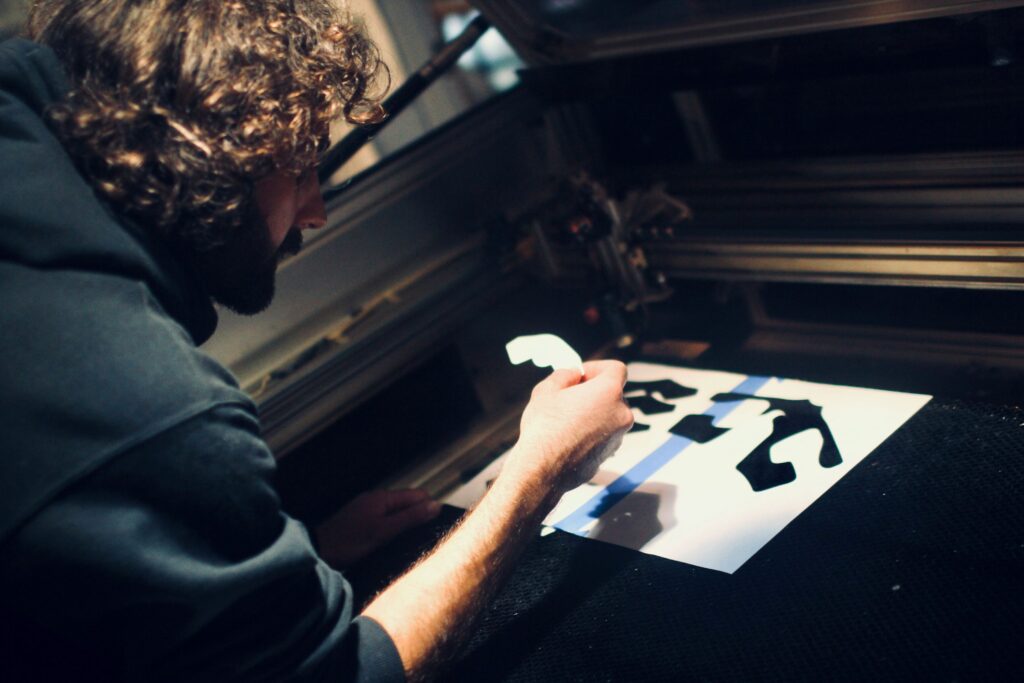
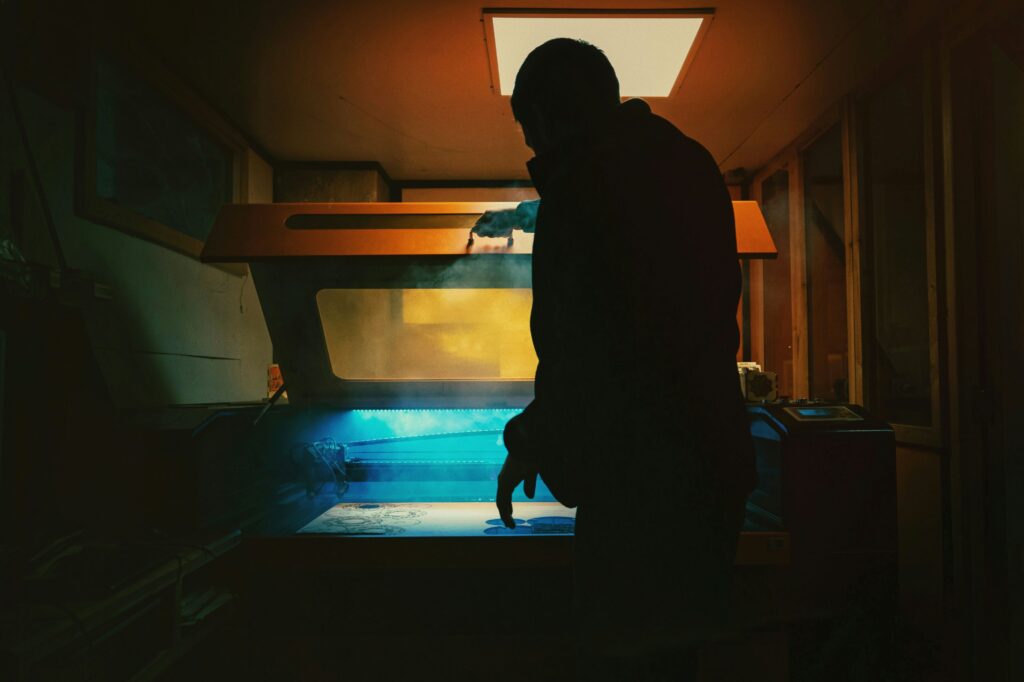
When the machine finishes and the exhaust clears the smoke, you open the lid. There’s a certain thrill to this moment every single time. Your finished parts are often sitting on the “waste” material. You might need to:
This is the fun part. A CO2 laser (the most common type for workshops and small businesses) can work with a stunning variety of materials.
There are also materials you must NEVER put in a laser cutter. PVC, Vinyl, and Polycarbonate release toxic chlorine gas when cut, which is extremely dangerous to breathe and corrosive to your machine. ABS tends to melt and catch fire. Always, always check the material’s safety data sheet before cutting.
Laser cutting has moved far beyond a niche hobby. It’s a cornerstone of the modern “maker” movement and a powerful professional tool.
The barrier to entry has never been lower. The software is more intuitive, and access to machines is more widespread than ever.
So, what will you create? A set of perfectly fitting boxes? An intricate lampshade? A custom nameplate for your desk? The laser is a tool that turns precise digital designs into tangible reality. It’s a bridge between the pixels on your screen and the physical world.
And that bridge is now open for you to cross. Find a design, find a machine, and take that first cut. You might just amaze yourself with what you can bring to life.